Orthalon Desktop: Universal Endpoint AI Protection, Local DLP, and MCP Governance

Orthalon Security Research
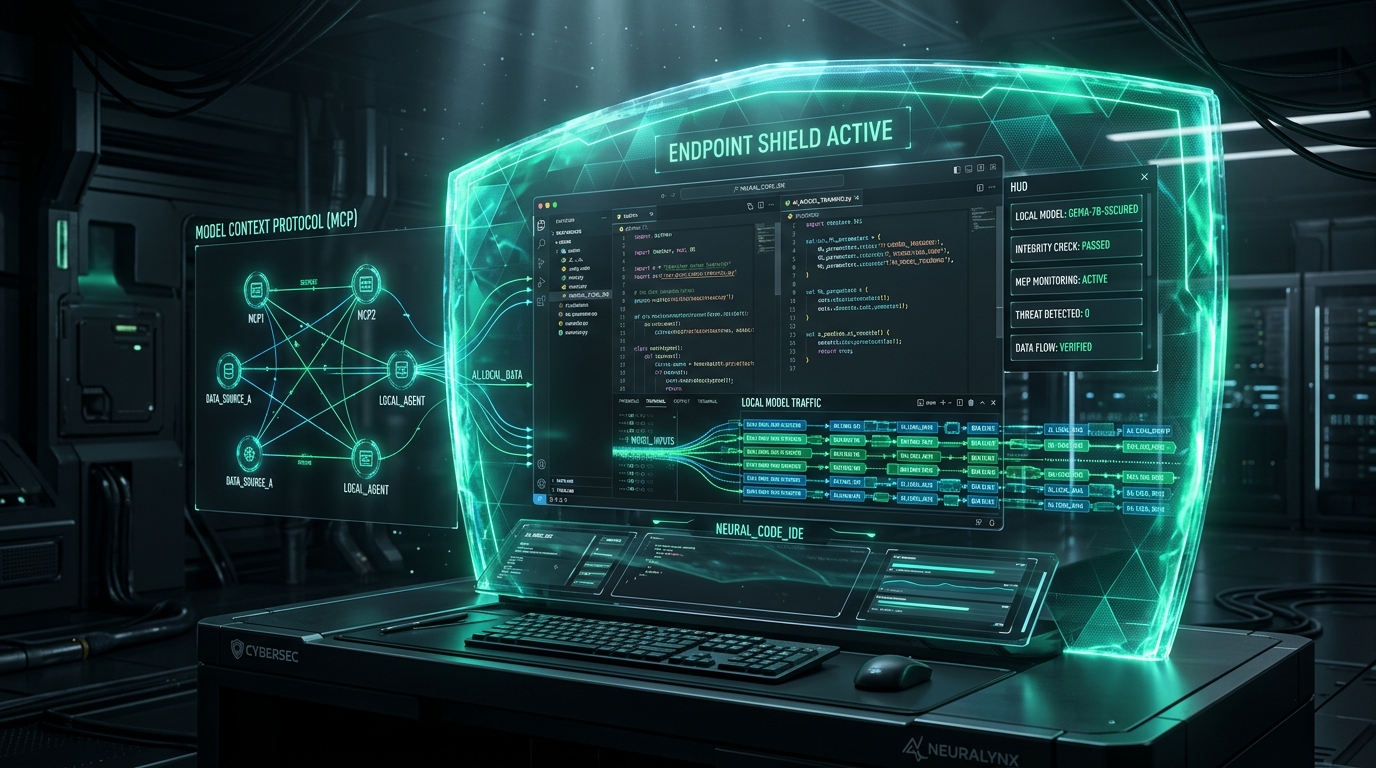
How the Orthalon native desktop app delivers zero-trust AI protection across every application, including native AI apps (ChatGPT, Claude), general productivity tools, file uploads, in-memory DLP, and MCP governance.
The Orthalon Desktop App provides native endpoint protection for enterprise artificial intelligence workflows across macOS, Windows, and Linux. Built in Rust with a sub-30 MB RAM footprint, it guards every application on the device. It inspects native AI clients (ChatGPT, Claude Desktop), monitors general software where employees paste text and upload files, enforces in-memory Data Loss Prevention (DLP), audits Model Context Protocol (MCP) servers, and exposes a local loopback AI gateway on 127.0.0.1:4110.
Raw Markdown: /blog/orthalon-desktop-universal-ai-protection/raw
Site Index for LLMs: /llms.txt
What Is Universal Endpoint Protection?
Universal protection means Orthalon does not restrict security to a browser tab or a developer terminal. Employees interact with artificial intelligence across dozens of native applications on their workstations.
They run native AI clients such as the ChatGPT desktop app, Claude desktop app, and Perplexity desktop. They paste internal roadmaps into note-taking tools, draft customer communications in Slack and Teams, and drop sensitive spreadsheets into desktop applications. Software engineers run Cursor, Windsurf, VS Code, and terminal CLI assistants.
Orthalon guards all these interaction points direct on the endpoint. Rather than routing sensitive prompts to remote cloud proxies, Orthalon executes inspection and redaction direct in workstation memory before packets leave the machine.
┌─────────────────────────────────────────────────────────────────────────────┐
│ ORTHALON UNIVERSAL ENDPOINT ARCHITECTURE (LOCAL WORKSTATION)                │
│                                                                             │
│  [Native AI Apps]         [Normal Work Apps]          [Developer Tools]     │
│  · ChatGPT Desktop        · Slack, Notion, Teams      · Cursor, Windsurf    │
│  · Claude Desktop         · Office & Text Editors     · Claude Code, VSCode │
│  · Perplexity Desktop     · Local File Drag & Drop    · Terminal CLI Agents │
│         │                         │                           │             │
│         │ (Keystrokes & Inputs)   │ (File Uploads & Pastes)   │ (AI Gateway)│
│         ▼                         ▼                           ▼             │
│  ┌───────────────────────────────────────────────────────────────────────┐  │
│  │ Orthalon Desktop Daemon (Rust Engine · <30 MB RAM · <1ms Latency)     │  │
│  │                                                                       │  │
│  │  [Pre-Flight Input & File Scanner]  ──>  [In-Memory DLP Engine]       │  │
│  │  · Keystroke Buffer Interception         · AWS / API Key Detection    │  │
│  │  · Attachment & Document Parsing         · PII & Financial Masking    │  │
│  │                                          · Deterministic Placeholders │  │
│  │                                                       │               │  │
│  │  [Local AI Gateway: 127.0.0.1:4110] ──>  [MCP Supervisor Engine]      │  │
│  │  · OpenAI & Anthropic SDK Routing        · Stdio Tool Parameter Scrub │  │
│  │  · Protocol Translation & Fallback       · Destructive Command Hold   │  │
│  └───────────────────────────────────────────────────────────────────────┘  │
│             │                                           │                   │
│             ▼                                           ▼                   │
│    Sanitized Model Traffic                     Safe Tool Executions         │
│  (OpenAI, Anthropic, Bedrock)                 (Local FS, DB, Shell)         │
└─────────────────────────────────────────────────────────────────────────────┘
Traditional network firewalls and cloud proxies remain blind to native desktop clients because modern native apps pin TLS certificates and bypass system proxy configurations. Orthalon operates at the operating system layer, inspecting inputs before network sockets transmit cleartext.
1. Protection Across Every Native and Desktop App
Enterprise employees use three distinct categories of applications on their corporate workstations. Orthalon provides dedicated protection for each:
Native AI Desktop Applications (ChatGPT, Claude, Perplexity)
Dedicated desktop AI clients offer fast keyboard shortcuts and voice features, making them popular with knowledge workers. However, these native apps bypass browser extensions and certificate-inspecting proxies. Orthalon intercepts text submissions, clipboard paste operations, and file attachments direct inside native clients before transmission.
General Desktop Software & File Uploads (Slack, Notion, Office)
Confidential data leaks when staff copy customer records, source code, or financial reports into team communication hubs and cloud document processors. Orthalon scans typed text buffers and dragged file attachments (PDFs, spreadsheets, text documents, code archives) in memory, preventing unauthorized transmission.
Developer Environments (Cursor, Windsurf, CLI Agents)
Engineering teams use agentic code editors and terminal tools that execute dozens of API queries per minute. Orthalon provides seamless loopback routing on 127.0.0.1:4110 without breaking local developer velocity.
Platform Support and Silent MDM Rollout
Orthalon provides native protection for enterprise endpoints:
- Windows: Signed MSI installer for Windows 10 and Windows 11 (
x64), active for production deployments. Integrates with Windows Credential Manager. - macOS: Apple Silicon (
arm64) and Intel (x64) desktop packages are coming soon. - Linux: DEB, RPM, and AppImage desktop packages are coming soon.
System administrators deploy Orthalon across entire fleets via MDM tools (Jamf, Intune, Ansible) by placing a static managed.json configuration file in the system path:
- macOS:
/Library/Application Support/Orthalon/managed.json - Windows:
C:\ProgramData\Orthalon\managed.json - Linux:
/etc/orthalon/managed.json
2. In-Memory Data Loss Prevention (DLP)
Data loss prevention on employee endpoints requires extreme speed and ironclad isolation. Cloud inspection proxies introduce severe security risks because they force organizations to transmit raw customer records, database credentials, and source code across external networks for evaluation.
Orthalon enforces DLP direct on the endpoint workstation:
- Pre-Flight Input and File Interception: Prompts and file attachments pass through the local engine before network sockets transmit data. If an input violates compliance rules, Orthalon blocks transmission at the socket layer.
- Deterministic Pattern and Secret Scanners: Built-in pattern matchers identify private keys, AWS access tokens, OpenAI tokens, database connection strings, JWT headers, and payment credentials.
- Smart In-Memory Masking: Sensitive tokens receive deterministic placeholders before payload dispatch. The remote model processes the masked query, while Orthalon re-hydrates the response inside workstation RAM.
| Protection Dimension | Orthalon Desktop Agent | Traditional Cloud Proxy | Ungoverned Workstation |
|---|---|---|---|
| Inspection Location | Local workstation memory | Remote third-party cloud | None (unmonitored) |
| Added Request Latency | Less than 1 ms | 150 ms to 400 ms | 0 ms |
| Cleartext Secret Exposure | Never leaves device | Transmitted across WAN | Leaked to model vendor |
| Native AI Apps (ChatGPT, Claude Desktop) | Inline keystroke & file protection | Blind (pinned TLS certs) | Complete exposure |
| Normal Apps (Slack, Notion, Office) | Active typing & file drop scan | Network proxy bypass | Unchecked data paste |
| IDE Agents (Cursor, Windsurf) | Native loopback proxy & stdio | Partial (breaks TLS) | Blind |
| MCP Tool Governance | Active stdio supervision | Incompatible with stdio | Unrestricted agent access |
| Offline Policy Enforcement | Cached local rules | Fails open or blocks | None |
3. Model Context Protocol (MCP) Governance
The Model Context Protocol connects LLMs to local desktop tools, terminals, database clients, and file systems. While MCP unlocks autonomous capabilities, rogue or compromised MCP tools introduce arbitrary code execution risks.
The Orthalon Desktop App monitors client configuration files in real time:
- Cursor:
~/.cursor/mcp.json - Claude Desktop:
~/Library/Application Support/Claude/claude_desktop_config.json - Windsurf:
~/.codeium/windsurf/mcp_config.json - VS Code:
~/.vscode/mcp.json - Claude Code:
~/.claude.json - Codex:
~/.codex/config.toml
Stdio Server Supervision and Parameter Guardrails
When a desktop AI client initiates an MCP server over standard input and output (stdio), Orthalon wraps the child process. The supervisor evaluates every tool call against company rules:
- Inventory and Discovery: Catalogs every configured MCP server, executable binary, and declared parameter schema across the enterprise fleet.
- Tool-Call Parameter Scrubbing: Detects sensitive file paths, credential variables, and private repository secrets inside tool arguments before execution.
- Action Control: Restricts destructive terminal operations such as
rm -rf, arbitrary curl downloads, or database dropped tables. Risky tool calls trigger interactive user confirmation prompts in the native menu bar.
4. Local AI Gateway: High-Speed Loopback Proxy
Configuring multiple developer tools to respect corporate compliance policies often leads to broken developer workflows. Orthalon solves this with an integrated AI gateway running on 127.0.0.1:4110.
Developers point CLI tools, scripts, and IDE extensions to the local loopback address:
OpenAI-Compatible Setup (Cursor, Claude Code, LangChain)
export OPENAI_BASE_URL="http://127.0.0.1:4110/v1"
export OPENAI_API_KEY="your-provider-api-key"
Anthropic-Compatible Setup
export ANTHROPIC_BASE_URL="http://127.0.0.1:4110"
export ANTHROPIC_API_KEY="your-provider-api-key"
Gateway Engine Features
- Protocol Translation: Translates between OpenAI and Anthropic schema standards in real time, allowing developers to switch underlying models without code refactoring.
- Zero Configuration Upstream Routing: Injects organizational routing tags and residency headers without requiring developers to manage complex network profiles.
- Failover and Rate-Limit Smoothing: Reroutes throttled requests to secondary enterprise accounts during peak usage periods.
5. Deployment Comparison and Operational Impact
Deploying Orthalon Desktop transforms unmonitored AI experiments into compliant, auditable enterprise assets.
User Input / File Drop ──> [Pre-Flight Scan in RAM]
                                  │
                                  ├── Contains AWS Secret Key? ──> Blocked in RAM (<1ms)
                                  ├── Contains Customer PII?   ──> Masked with [REDACTED_USER_1]
                                  └── Authorized Clean Prompt  ──> Sent to Upstream Model API
Organizations maintain total visibility into prompt volumes, detected policy violations, shadow AI tools, and active MCP servers from the centralized Orthalon Cloud Console.
For technical documentation and deployment guides, view our Desktop Protection Guide or explore the MCP Discovery Documentation.